
Keys are simple and cheap but hard to track, keypads and card readers let you remove one person’s access without rekeying, and fingerprint readers tie access to a person. For a small business, count who holds keys, then choose by staff turnover and how many doors you have. WOW Locks quotes access control at (844) 969-5625.
Plenty of small shops do fine with good keys. The trick is knowing when you have outgrown them.
Count the Keys: Who Holds a Key to Your Business Right Now?
The first step in choosing door access is counting every key that opens your business today. Write down each door, each keyholder and each copy you know about, including past employees, a landlord, a cleaner and a spare in a drawer. If you cannot produce that list in five minutes, you have already found your real problem.
Try it with a pen. For every door, list:
- Who has a key, by name.
- How many copies exist.
- Who made the copies, since many keys are stamped “do not duplicate” and still get copied.
- Whether anyone who left ever handed theirs back.
Plenty of owners find a key they cannot account for. A key never expires and never reports where it went. That is exactly what the other three options fix, in different ways.
The Four Options: Keyed, Keypad, Card or Fob, Biometric
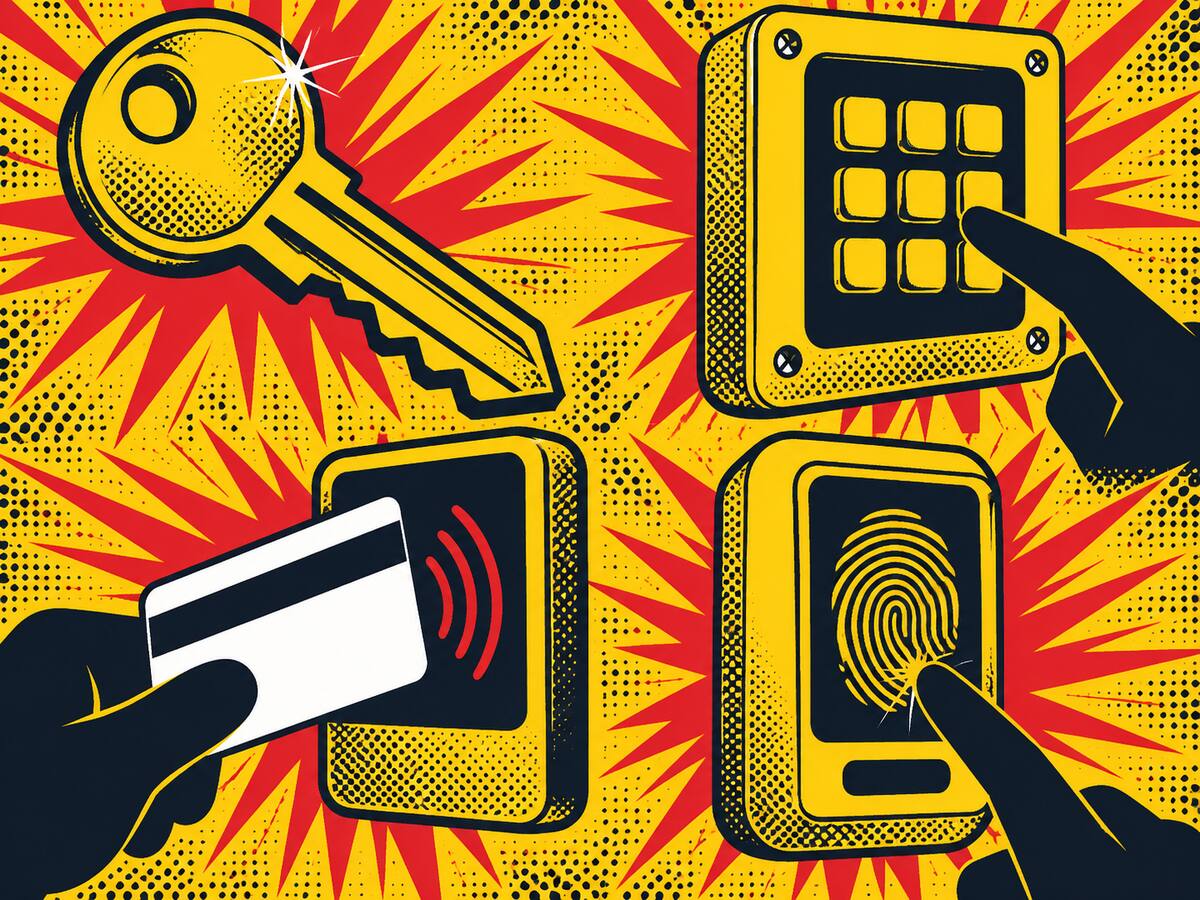
There are four common ways to control a door: a mechanical key, a keypad code, a card or fob credential, or a fingerprint. Keys are the cheapest and the hardest to track. Keypads remove the key but share a code. Card and fob systems give each person their own credential. Fingerprint readers tie access to one person’s body.
| Option | Cost tier (relative, not a quote) | Audit trail | If a credential is lost | Best for |
|---|---|---|---|---|
| Keyed lock | Low | None | Rekey the lock | One or two doors, a few trusted keyholders |
| Keypad | Mid | Varies by model | Change the code | A back door or storeroom with a few users |
| Card or fob | Mid to high | Yes, on controller-based systems | Deactivate that one card | Several staff, several doors, real turnover |
| Fingerprint | High | Yes, tied to a person | Delete that user | Sensitive rooms where sharing a credential is the risk |
Notes on that table.
Keypads are great until the code gets shared. Everyone “just knows it,” and when someone leaves, the code either changes for everybody or it does not change at all. A keypad with individual codes per person is better, and worth asking about.
Cards and fobs are the workhorse. Lose one and you cancel it that day. Nobody else’s card is affected.
Fingerprint readers answer a different question: not “who has a credential” but “who is standing here.” They cost more, so they earn their place on a few high-value doors rather than on every door in a small office.
What Happens When an Employee Leaves (Keys, Codes, Cards)
When an employee leaves, a keyed door needs a rekey, a keypad needs a changed code, and a card or fingerprint system needs that one credential deleted. A keyed door stays open to anyone with a spare key until it is rekeyed. Whichever you use, do it the day the person leaves, not the day you remember.
The right response depends on how many doors the person could open and how often people leave. Use this table as your starting point.
| Your setup | Staff turnover | Best move the day someone leaves |
|---|---|---|
| 1 to 2 keyed doors, a few keyholders | Low | Rekey. At $45 per lock with a 2-lock minimum, rekeying 2 locks is $90 before tax (example). The flat-rate price list has the key-set rate. |
| 3 to 6 keyed doors, regular turnover | Medium | Rekey works but adds up fast. Consider card or keypad access on the busiest doors. |
| Many doors, or frequent turnover | High | Remove the credential. No rekey, no new keys to hand out. Custom quote after we see the door. |
| Any size, someone left on bad terms | Any | Act the same day. Rekey the doors they could open, or delete the credential. Do not wait for a convenient week. |
Rekey versus remove a credential: rekeying changes the lock so the old key stops working. Removing a credential deletes one person from a system, and the lock stays as it is. If you rekey every time someone leaves, the math eventually favors a system. If you rarely lose staff, it may never.
Here is a checklist for the day someone leaves:
- Collect every key, card, fob and opener they held, and check it against your key list.
- Delete their card, fingerprint or personal code from the system, if you have one.
- Change any shared keypad code they knew.
- Rekey the doors they could open, if those doors run on keys.
- Change the alarm code, if they had one.
- Update your key list with the date and what you changed.
- Keep that list. Next time it saves you the five-minute scramble.
Master Key Systems: When a Hierarchy Beats One Key for Everything
A master key system lets one key open many doors while every door also keeps its own key. It beats “one key for everything” because you can give a cleaner a key to two rooms, a manager a key to the floor and keep one top key for yourself, and losing the lowest key never exposes the whole building.
It suits offices and buildings with several tenants or departments. It is not a good fit for a single-door shop, where a plain key does the job. A master key system is a custom quote, based on the number of doors and how you want the levels laid out, and the master key systems page explains how we plan one.
One thing to know before you start: the more doors and levels, the more a written key list matters. A master system you cannot track is just a bigger version of the key drawer.
Audit Trails and Time Windows: What Access Control Adds That Keys Cannot
Access control adds two things a metal key cannot: a record of who opened which door and when, and schedules that decide when each person can get in. A key opens a door at 3 a.m. the same as at 3 p.m. A credential can be set to work only during that person’s shift.
That matters in three situations:
- Something goes missing. A log can show which credentials opened the door, which narrows things down.
- You have shift workers. The opening crew gets in at 5 a.m., the closing crew at 9 p.m., and nobody gets in at midnight.
- You have a sensitive room. The cash office or storeroom opens for three people, not the whole staff.
Ask any installer how long logs are kept and who can see them. That answer shapes how useful the log really is.
Retrofitting an Old Storefront or Office Door
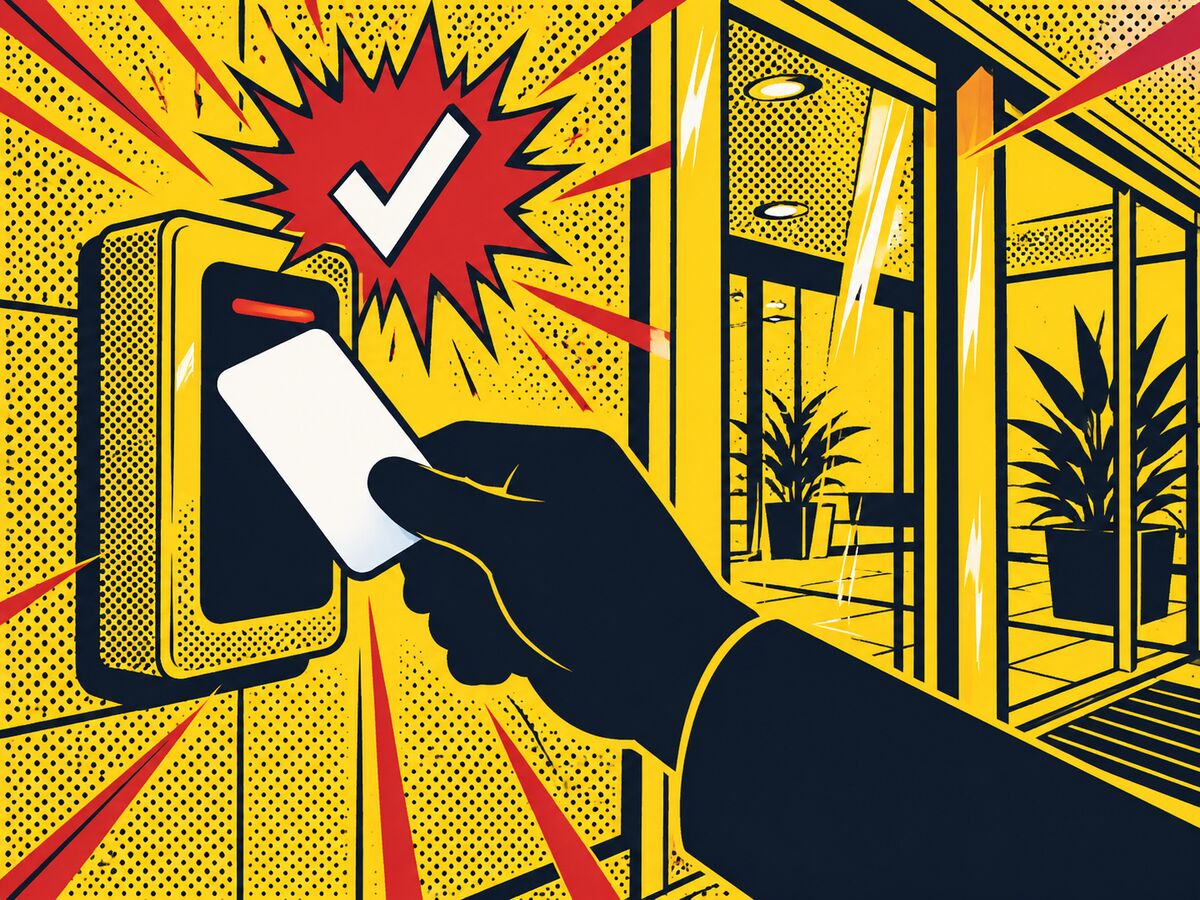
You can often add keypad, card or fingerprint access to an existing door, but it depends on the door, the frame and the power available. A solid commercial door with a sound frame is usually easier than an old hollow door or a glass storefront. A site visit settles it, which is why access control is quoted after we see the door.
Here is what we look at on a site visit:
- The door and frame: material, thickness and condition.
- The hardware already on it, and whether it can be reused.
- Where power can come from, and how wiring would run.
- Whether the door must always let people out, which is a safety question to settle with your installer and local fire code before anything gets installed.
- What happens to the door if the power or internet drops.
WOW Locks offers access control in every market we serve, with local technicians in Austin, Houston, Dallas-Fort Worth, San Antonio, Midland, Odessa, El Paso, Laredo and McAllen. This guide leans toward Austin businesses, but the questions are the same in any Texas city. For more on how the systems work, see our access control systems page, or browse our full commercial locksmith services.
If a break-in is what started this conversation, our guide to securing a business after a break-in walks through the first hours.
What It Costs (rekey $45 per lock, 2-lock minimum; master key and access control are custom quotes)
Commercial rekeying costs $45 per lock with a 2-lock minimum, before tax. Master key systems and access control are custom quotes, because the price depends on your doors, your frames, your power and how many people need credentials. We give that quote after a site look. We do not post ranges, since a range tells you nothing about your door.
| Service | How it is priced |
|---|---|
| Commercial rekey | $45 per lock, 2-lock minimum, before tax |
| Master key system | Custom quote after we see the doors |
| Access control (keypad, card, fob, fingerprint) | Custom quote after we see the door |
Every other charge is on the flat-rate price list. WOW Locks LLC holds Texas DPS (TOPS) license B10595301 and the Texas electronic access control company license that commercial access control work requires.
Not sure which one fits your shop? Request service or call (844) 969-5625. Tell us how many doors you have and how many people hold keys, and we will tell you straight whether keys are still enough.